
Amazon Fire Kids vs Samsung Galaxy Tab Kids (2026)
Amazon Fire Kids and Samsung Galaxy Tab Kids are the two most popular
tablet options for children in the US. While both offer parental controls
and kid-friendly features, they are built for very different types of families.
This comparison breaks down which one is right for your child.
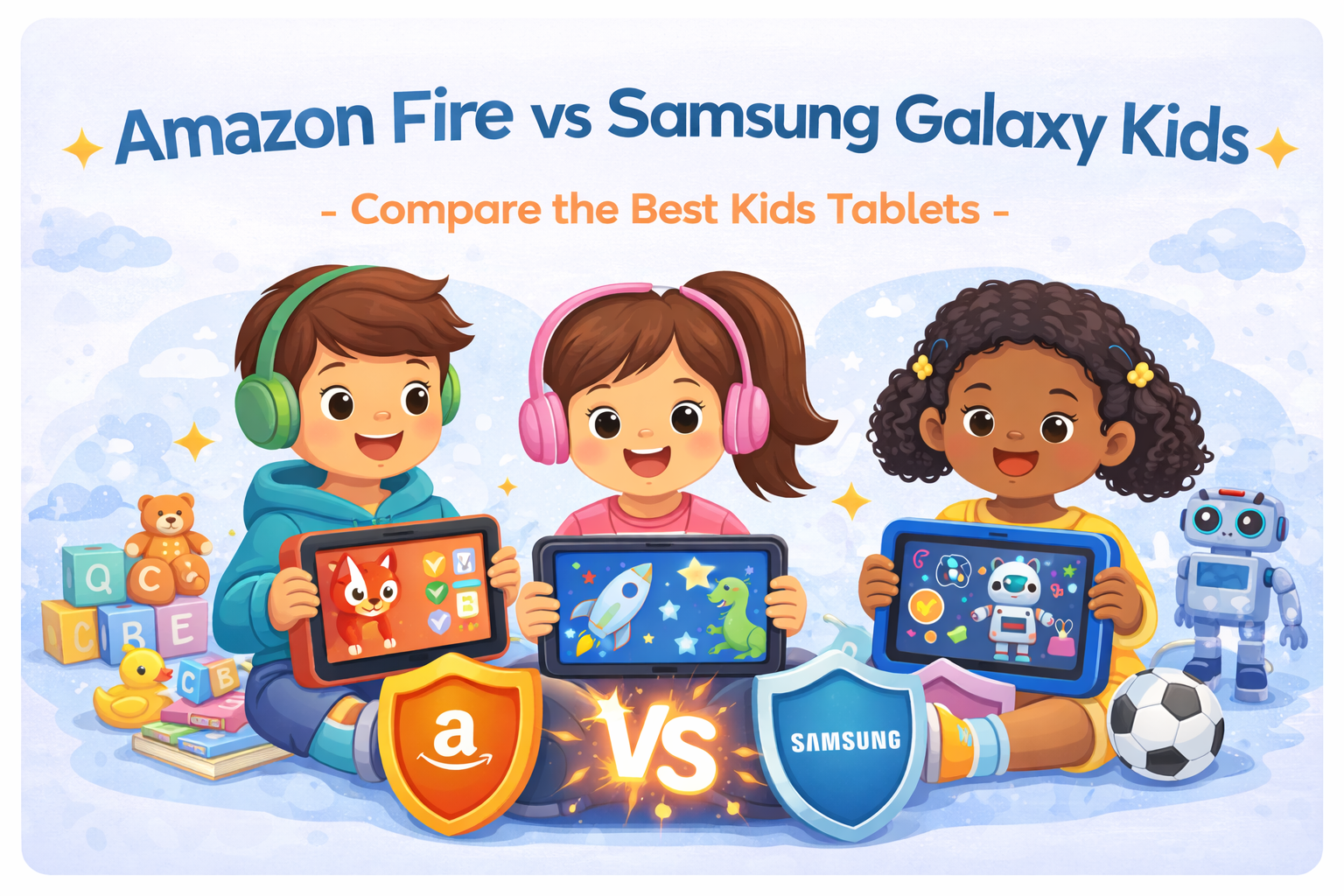
🔥 Amazon Fire Kids Tablet

Amazon Fire Kids tablets are designed specifically for younger children. They focus on safety, simplicity, and tightly controlled content rather than flexibility or performance.
- Amazon Kids parental controls
- Curated content subscription
- Kid-proof case included
- Very affordable pricing
Pros
Best parental controls, affordable, durable
Best parental controls, affordable, durable
Cons
Limited apps, no Google Play
Limited apps, no Google Play
📱 Samsung Galaxy Tab (Kids Mode)

Samsung Galaxy tablets with Kids Mode are better suited for older children. They offer a full Android experience with optional restrictions, making them more flexible for schoolwork and productivity.
- Full Google Play access
- Samsung Kids parental controls
- Better display & performance
- School & productivity apps
Pros
Flexible, better performance, school-ready
Flexible, better performance, school-ready
Cons
Higher cost, requires setup
Higher cost, requires setup
Amazon Fire Kids vs Samsung Galaxy Tab: Side-by-Side
| Feature | Amazon Fire Kids | Samsung Galaxy Tab Kids |
|---|---|---|
| Best For | Ages 2–7 | Ages 7–12 |
| App Store | Amazon Appstore | Google Play Store |
| Parental Controls | Excellent | Strong (more setup) |
| Durability | Very high (case included) | Moderate (case recommended) |
| Price Range | Lower | Higher |
Final Verdict: Which One Should You Buy?
Choose Amazon Fire Kids if your child is young and you want maximum safety, simplicity, and value. Choose Samsung Galaxy Tab Kids if your child is older, needs school apps, and you want flexibility with parental oversight. Age and learning needs should guide your decision more than brand loyalty.